How to Add Online Services with Video Consultancy in Bookr
Connect with customers anywhere with Bookr's online option. They provide quality service and manage everything from one place. Start now!
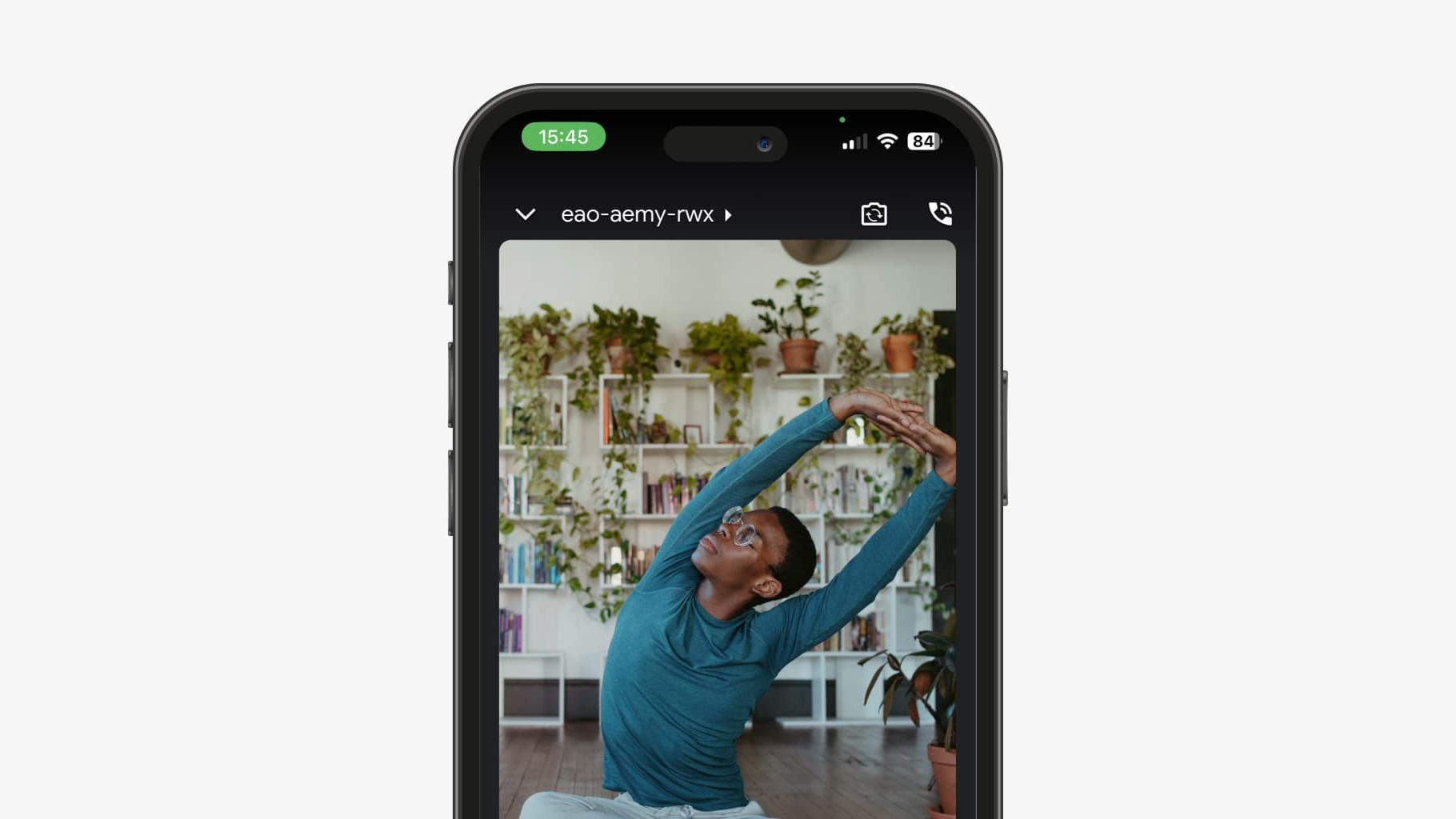
Do you want to expand the services you offer and make your business more accessible to customers? By integrating the video consulting option into the Bookr app, you can reach clients from the comfort of their homes by offering them online sessions via Google Meet.
Here's how you can add online services and start taking advantage of this functionality!
1. Add a new service.
Enter the Settings section of the main menu.
Go to Your Services to start setting up.
2. Click the “Add” button to enter new details.
Fill in the name (e.g. haircut, massage, medical consultation).
Specifies the duration in minutes and adds the corresponding price.

3. Enable the Video Consultation Option
To enable the video consulting option, check the box “Create a video call for this service”. This step will automatically integrate the online session with Google Meet, allowing your clients to participate in video consultations directly from the app.

4. Customize the Service
You can further customize the service by choosing a distinctive color or adding a description that gives more details about what the online consultation offers.
5. Save Changes
After filling in all the necessary details and activating the video consulting option, click on the “Create Service” button to complete the configuration of the service.
6. Set Work Hours
To maximize the number of bookings for your online sessions, do not forget to set your working hours. Make sure your consulting hours are well aligned with the availability of your clients.
7. Publish your profile
Once you've added and set up your online services, make sure you make your profile visible to customers. Thus, they will be able to easily book the video consultations directly from the Bookr application.

Choose the online services option with Bookr's video consulting and connect with customers wherever they are. It provides quality services without a physical presence and manages everything from one place. Start now!
A business that's easier to manage.
Keep reading
View all articles
How to Add New Services to Bookr App
Learn how to add new services to Bookr, list them online, and attract customers. The following is our guide to setting up services and the online consultation option.
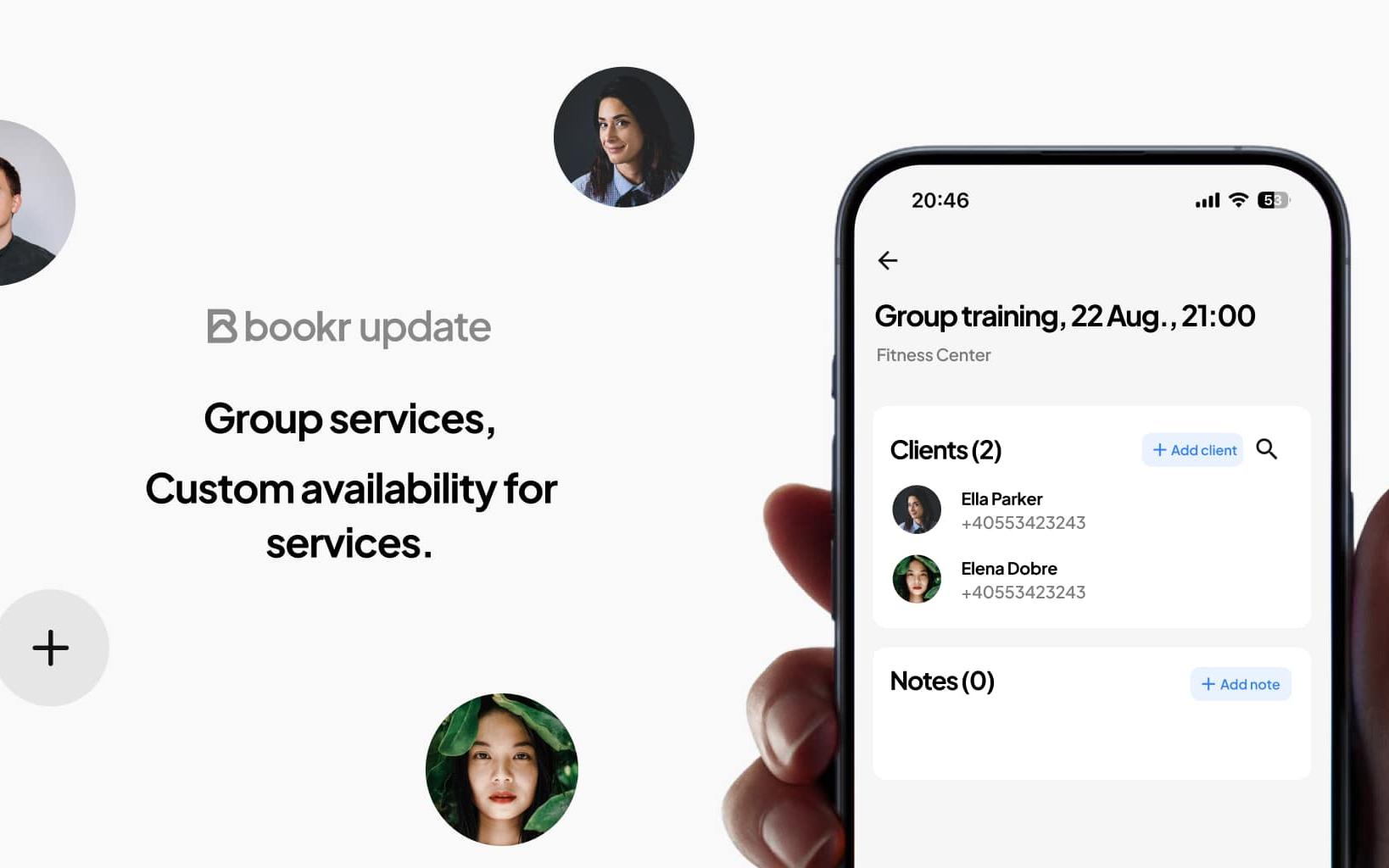
Bookr launches two new features: group appointments and services at the hours that suit you!
No more groups on WhatsApp and messages in private! In Bookr you now have two new functionalities: group appointments and services at preset hours.

How to Activate SMS in Your Bookr Account
With Bookr, you can turn on SMS notifications to send confirmations, reminders, and other important information about your appointments. Here's how you can activate this function step by step: